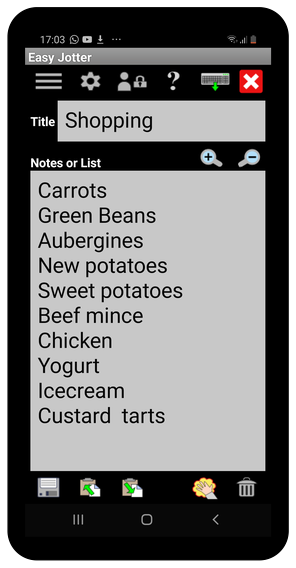
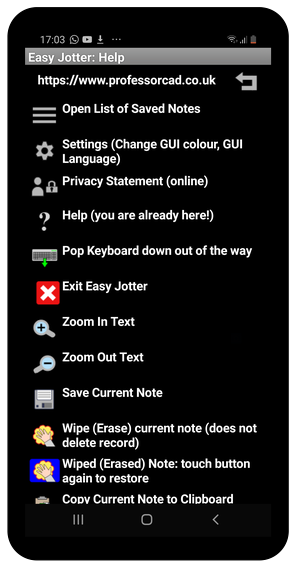
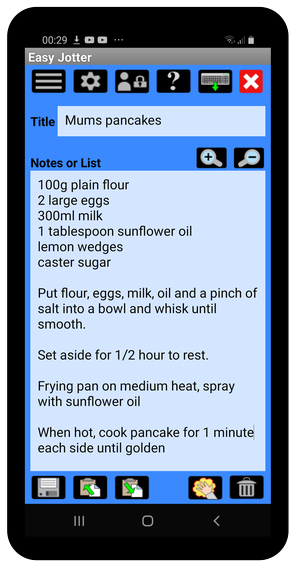
| Open List of Saved Notes |
 | Settings: Change GUI colour, GUI Language |
 | Privacy Statement (Online) |
 | Help (you are already here!) |
 | Pop Keyboard down out of the way |
 | Exit Easy Jotter |
 | Zoom In Text (Make text bigger) |
 | Zoom Out Text (Make text smaller) |
 | Save Current Note |
 | Wipe (Erase) Current Note (does not delete Record) |
 | Wiped (Erased) Note: Tap button again to restore |
 | Copy Current Note to Clipboard |
 | Paste (Append) Text from Clipboard |
 | Delete Current Note Record (Permanent!) |
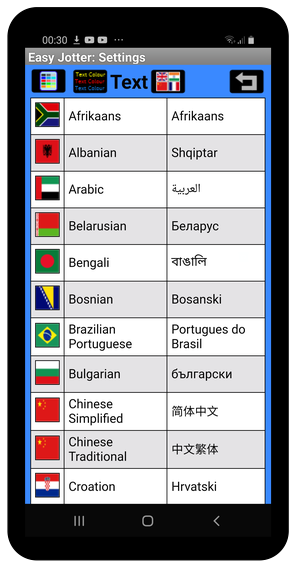
 | Change GUI Background Colour |
 | Change GUI Text Colour |
 | Change GUI Language (right-to-left input not supported) |
 | Go Back to Easy Jotter Main Screen |